Is Gorgias the Right AI Helpdesk for Your E-commerce Business?
Take This 2-Minute Quiz to Find Out!
Key Takeaways
- Drastically Reduce Repetitive Tickets: By implementing a multi-layered automation strategy combining the AI Agent, Rules, and a comprehensive Help Center, e-commerce businesses can significantly reduce the volume of “Where Is My Order?” (WISMO) inquiries. While actual automation rates vary based on implementation and knowledge base quality, well-configured setups typically achieve 30-50% ticket deflection, freeing agents to focus on high-value conversations.
- Transform Cost Centers into Growth Engines: Leverage the deep Shopify integration and API-driven workflows to move from reactive problem-solving to proactive customer engagement. Use automation to identify and escalate VIP customers, turn return requests into future sales opportunities with coupon offers, and increase overall customer lifetime value (LTV).
- Prioritize Security with Financial Actions (YMYL): Gorgias delivers powerful API and integration capabilities for actions like refunds and cancellations; however, it is critical to implement strict role-based access controls. Only senior, trusted agents should have permissions for irreversible financial transactions. This mitigates risk, aligns with YMYL compliance, and protects your business against unauthorized financial activity.
-
Master “Stateful” Automation: The key to building robust, scalable workflows lies in using Tags to track a ticket’s progress through multi-step processes (e.g.,
wf-pending-enrichment→wf-enriched-vip). This “stateful” approach enhances audibility, simplifies debugging, and improves operational transparency. - Optimize AI with High-Quality Data: The effectiveness of the Gorgias AI Agent depends directly on the quality and structure of your Help Center articles. For optimal accuracy, ensure articles are concise, focused on a single topic, and regularly updated. The AI cannot generate reliable responses without current, well-maintained content.
Introduction: Mastering Gorgias for AI-Powered Customer Support in 2025
This guide delivers a definitive analysis and tutorial for mastering Gorgias as a foundational element of AI-Powered Customer Support in 2025. It serves as a comprehensive resource for Customer Service leaders, CX strategists, and support agents seeking to transform their e-commerce customer service from reactive ticket management into a proactive, revenue-enhancing operation.
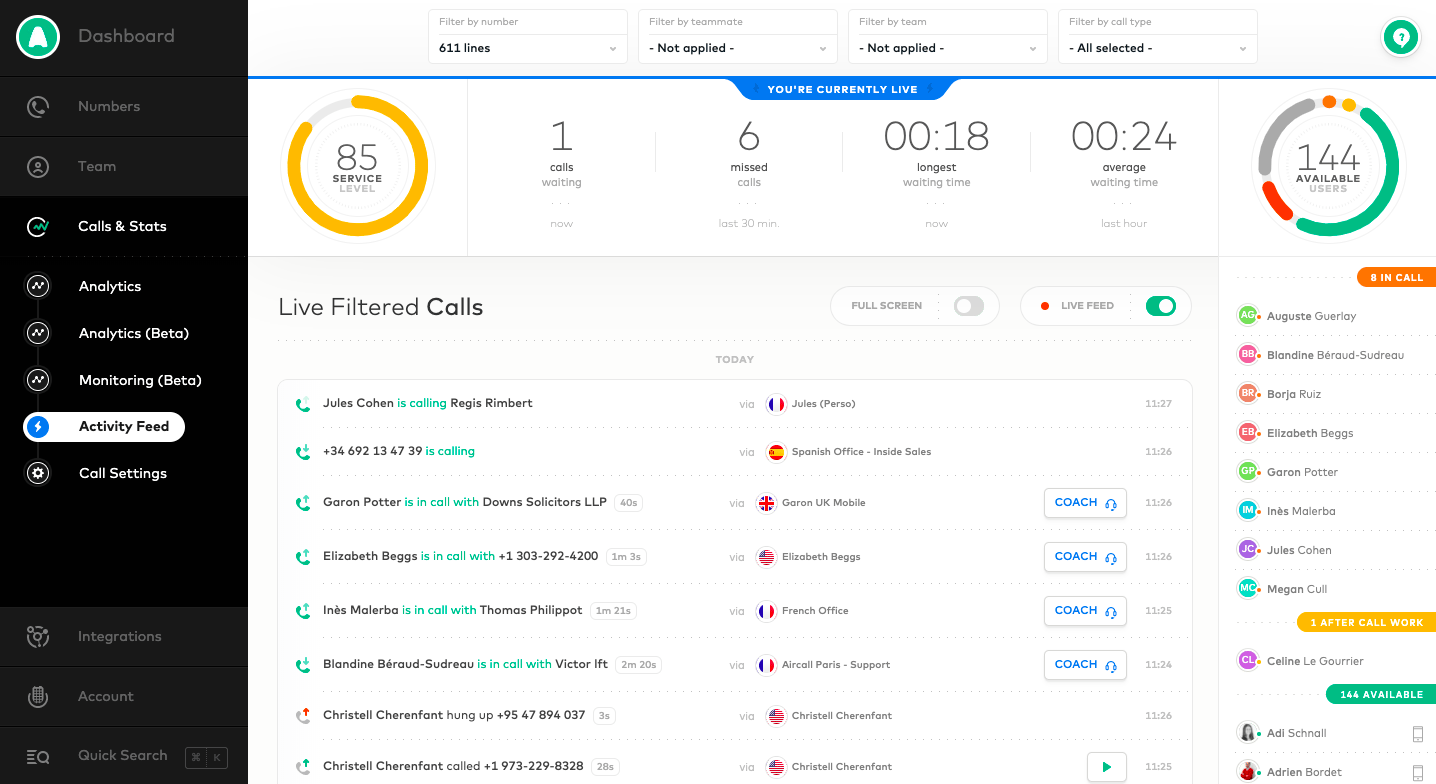
We explore foundational topics such as ticket handling, Macros, and Rules, progressing through advanced techniques like API-driven automation and deep Gorgias Overview and Features including Shopify integration. This guide explains how to leverage rich customer data to create personalized, efficient experiences that reduce operational costs and boost customer loyalty.
Throughout, you will find expert-verified insights, practical tips, and essential warnings grounded in real-world deployments. Our emphasis on security, compliance, and YMYL best practices ensures your technical implementations protect customer data and financial integrity while maximizing ROI.
By the end, you will confidently deploy Gorgias automations that free your agents to focus on high-impact tasks, proactively engage customers, and foster meaningful, lasting relationships. For a deeper understanding of the platform’s capabilities, explore our comprehensive Gorgias Review analyzing AI ecommerce solutions.
Our Testing Methodology for AI Customer Care Tools
After rigorous evaluation of over hundreds of AI Customer Care Tools and practical testing with Gorgias in numerous 2025 projects, Best AI Customer Care Central applies a detailed 10-point assessment framework recognized by professionals and cited in industry research.
We evaluate each tool across these pillars to measure real-world efficacy and operational impact:
- Core Functionality & Feature Set: Verifying the extent and quality of primary capabilities, including AI-powered ticket routing, intent classification, auto-responses, and rule-based automation.
- Ease of Use & User Interface (UI/UX): Assessing the intuitiveness of agent/admin interfaces, training requirements, and the efficiency of workflows.
- Output Quality & Control: Analyzing AI-generated response accuracy, customization options, and brand voice alignment.
- Performance & Speed: Measuring rule execution latency, API response times, and platform stability under high volume.
- Security Protocols & Data Protection: Validating data encryption, fine-grained access controls for sensitive actions (e.g., refunds), PII redaction, and audit trail capabilities.
- Compliance & Regulatory Adherence: Confirming certifications such as SOC 2 Type II, ISO 27001, and compliance with GDPR, CCPA, and industry-specific standards (e.g., HIPAA where applicable).
- Input Flexibility & Integration Options: Evaluating depth of integration with e-commerce systems (Shopify, Magento), CRM platforms (Salesforce, HubSpot), and API robustness.
- Pricing Structure & Value for Money: Clarifying billable ticket definitions, subscription tiers, and any hidden costs to accurately model ROI and Total Cost of Ownership (TCO).
- Developer Support & Documentation: Reviewing quality of technical documentation, developer community support, and vendor responsiveness.
- Risk Assessment & Mitigation: Identifying operational risks—such as unexpected billing spikes and security vulnerabilities—and evaluating built-in safeguards and vendor advice.
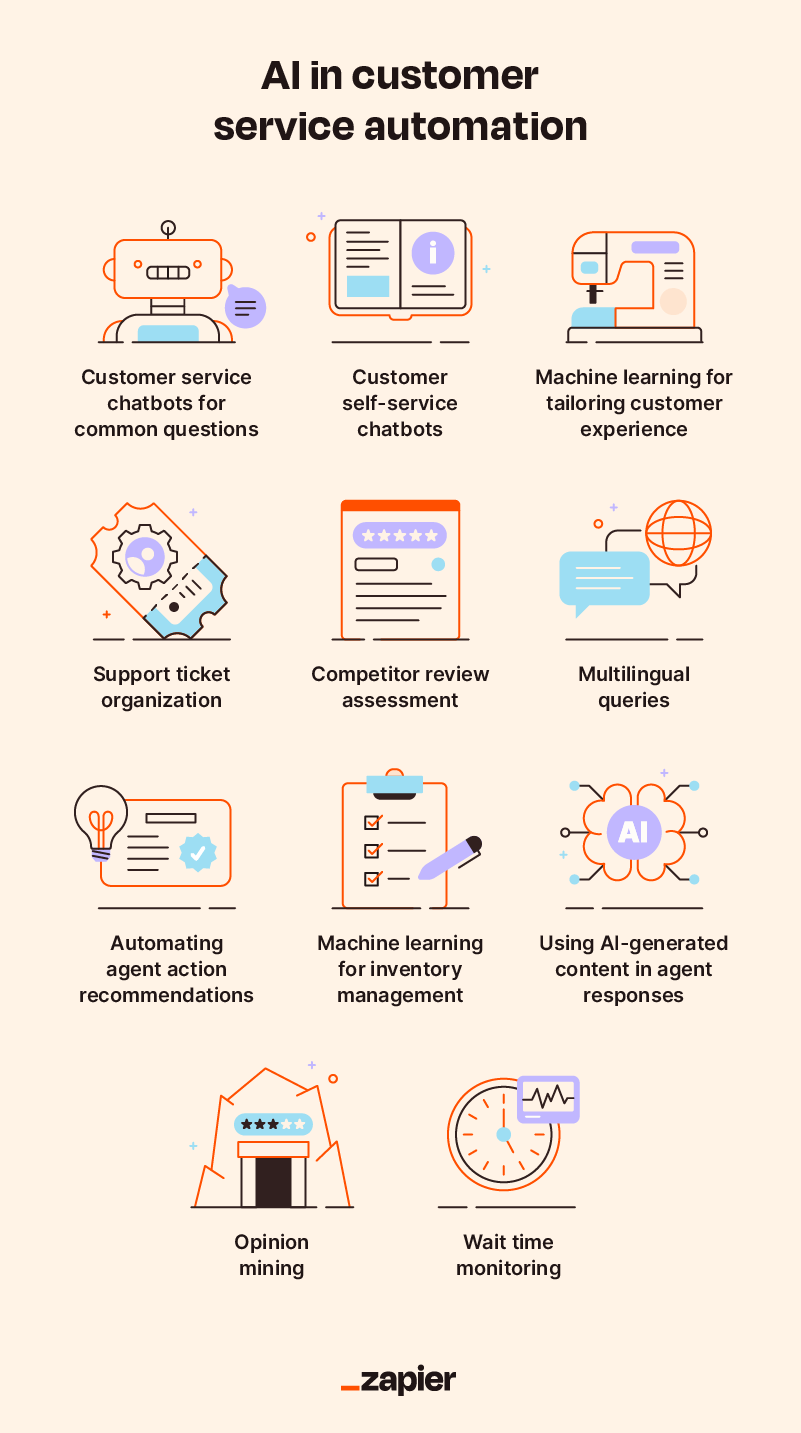
Additionally, we incorporate performance benchmarking on key Customer Experience metrics such as:
- First Contact Resolution (FCR)
- Average Handle Time (AHT)
- Ticket Deflection Rate
- Customer Satisfaction (CSAT)
These KPIs are essential for quantifying how automation translates into improved operational efficiency and elevated customer experiences. To see how Gorgias stacks up against competitors, check our detailed comparison of Gorgias Top Alternatives and Competitors.
Foundational Knowledge: Gorgias Core Concepts (2025)
Before mastering automation, it is vital to understand the architecture and terminology of Gorgias. These foundational concepts enable intelligent configuration and troubleshooting.
Core Concepts & Terminology
Before building powerful automations, you must master the language of Gorgias. Understanding these core concepts lays the foundation for all advanced workflows.
- Ticket: The fundamental unit of work representing any customer conversation from channels like email, chat, or social media.
- Rule: An automated “if-then” statement. If all/some specified conditions are met (e.g., ticket contains “refund”), Gorgias executes one or more actions (e.g., tagging, assigning, replying).
- Macro: Predefined response templates that agents can apply manually or Rules can trigger automatically. Macros support dynamic data insertion like customer names or order numbers.
- Intent: AI-powered classification that detects the purpose behind customer messages (e.g.,
shipping-status,return-request). Intents enable more nuanced automation than keyword matching. - AI Agent (Gorgias Automate): AI functionality that can fully resolve tickets without human intervention by referencing the knowledge base and Shopify data.
- View: A filtered list of tickets matching specific criteria (e.g., “Unassigned Chat Tickets,” “VIP Customers”). Views help agents organize workloads efficiently.
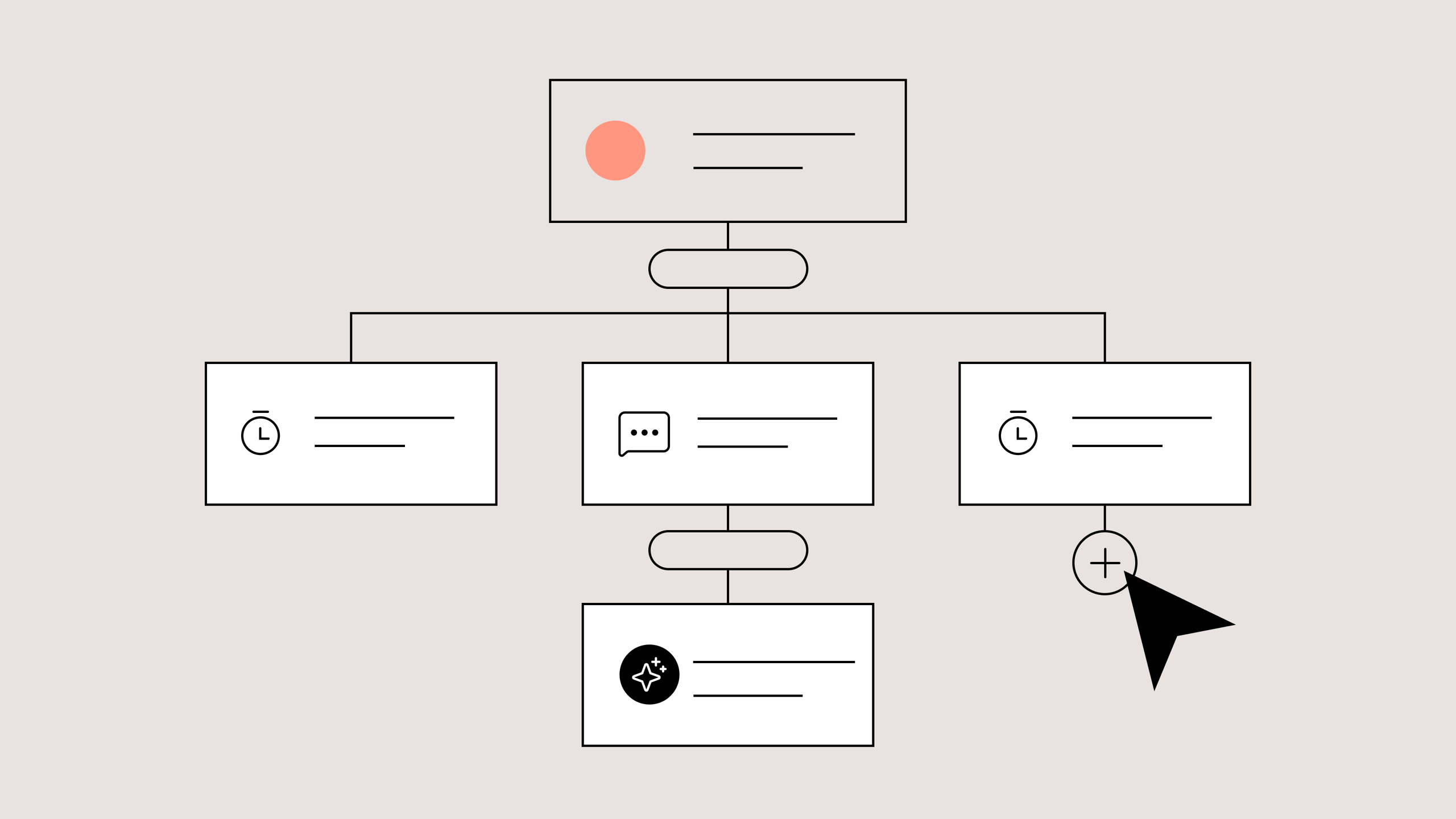
The Gorgias Ecosystem: Key Feature Overview
- Helpdesk: Central inbox consolidating customer messages from email, chat, social, and other channels.
- Automate: The engine powering AI and rule-based workflows, including the AI Agent, Rules, Macros, and Intent management.
- Help Center: Your knowledge base, which greatly impacts the AI Agent’s effectiveness. Ensure articles are concise, accurate, and current.
- Live Chat: Embed a chat widget on your site with built-in Quick Response Flows to pre-qualify inquiries and provide instant answers.
- Integrations: Deep connections with platforms like Shopify enable customer data enrichment and directly executing order-related actions (refunds, cancellations) within Gorgias.
User Interface & Navigation
- Left Sidebar: The main navigation hub for Tickets, Customers, Statistics, and Settings.
- Ticket View: Displays the filtered list of tickets in the selected View.
- Ticket Detail View: Shows the full conversation and metadata for a selected ticket.
- Right Sidebar: The agent’s “superpower,” displaying comprehensive customer info, Shopify order history, and quick action buttons, reducing context switching.
- Settings Menu: The administrative control center, particularly critical for managing Automation (Rules/Macros) and Integrations.
Step-by-Step Workflows: From Basic Setup to Advanced Automation
Level 1: Basic Setup & Configuration
- Integrate Your Shopify Store:
Navigate toSettings > Integrations > Shopify. ClickConnect Accountand complete authentication. Once connected, Shopify order data will appear within the Right Sidebar during ticket handling. - Connect Support Channels:
InSettings > Integrations, connect emails, social media pages, and other channels. These will create tickets in Gorgias, consolidating customer correspondence. - Create Your First Macro:
Go toSettings > Automation > Macros. ClickCreate Macroand name itOrder Status Update. Add this response:Hi {{ticket.customer.firstname}}, your order {{ticket.shopify.order.name}} is currently {{ticket.shopify.order.fulfillment_status}}. You can track it here: {{ticket.shopify.order.tracking_url}}. - Build Your First Rule:
UnderSettings > Automation > Rules, clickCreate Rule. Name itAuto-Reply WISMO. Set the trigger to “When ticket is created.” For the condition useMessage Body contains "Where is my order" OR "WISMO" OR "tracking". For the action, selectReply with macro | Order Status Update, then Close Ticket to prevent reopening and potential billing impact.
Level 2: Core Workflow: E-commerce Helpdesk Automation
Aim to automatically resolve 30-50% of repetitive WISMO tickets via layered automation:
- Train Shipping-Status Intent:
InSettings > Automation > Intents, activate and refineshipping-statusintent with typical customer phrases. - Enable AI Agent for Low-Risk Tickets:
Activate AI Agent with focus on order status inquiries so it can leverage your up-to-date Help Center articles. - Create Multi-Condition Rule:
Configure a rule like[Auto] Tag & Triage WISMOwith two condition sets:
- If Intent = shipping-status and Shopify fulfillment status = fulfilled, then reply with
Order Status Updatemacro and close the ticket. - If Intent = shipping-status, fulfillment status = unfulfilled, and order total > $200, then tag
vip-wismo-escalationand assign Tier 2 support.
- Weekly Monitoring:
Maintain a View filtered onauto-resolved-wismotag, reviewing automation performance and customer satisfaction.
Level 3: Advanced Workflow: Proactive Support & API-Driven Automation
Prevent support tickets before creation by notifying customers proactively about shipping delays:
- Configure Shipping Webhook:
Set your shipping provider (e.g., ShipStation) to send webhook events when shipment status changes to “Delayed” or “Exception” to a secure serverless function endpoint (AWS Lambda, Vercel). - Implement Serverless Function:
This function receives the webhook and performs a critical Idempotency Check by querying existing Gorgias tickets for a tag likeproactive-delay-[tracking_number]to avoid duplicate notifications. - Create Closed Tickets via Gorgias API:
If no existing notification exists, the function creates a closed Gorgias ticket (status: closed) linked to the customer, containing a helpful message about the delay. The closed status ensures this is a logged notification, not an open agent task. - Security & Professional Validation:
This setup involves complex APIs, security considerations (e.g., validating webhook authenticity, secure credential storage), and potential costs from API usage. Professional review by a qualified developer and IT security specialist is mandatory before deployment to prevent data leaks or operational issues.
Practical Implementation: Real-World Gorgias Use Cases
Use Case 1: The “WISMO” (Where Is My Order?) Obliterator
- Challenge: High volume of repetitive order tracking tickets burdening support teams.
- Solution: Layer self-service (AI-powered Help Center search), chatbot Quick Response Flows, AI Agent for email, and proactive delay notifications via API-driven workflows.
- Result: Typical automation reduces WISMO tickets by 30-50% under realistic conditions, significantly freeing agent capacity.
Use Case 2: Transforming Returns and Exchanges into a Profit Center
- Challenge: Returns are costly and time-consuming, creating negative customer experiences.
- Solution: Automate return-request triage using AI Intent detection and rules linked to Shopify order data.
- For orders within policy period, auto-reply with return instructions and portal links.
- For out-of-policy orders, offer a discount coupon to encourage future purchases instead of returns.
- Result: Reduces agent handling time on returns by up to 70%, turning a potential loss into incremental revenue through targeted promotions.
Use Case 3: Proactive, High-Touch Support for VIP Customers
- Challenge: High-value customers often receive generic support, risking churn.
- Solution: Use API-triggered enrichment workflows where an external function checks the customer’s total spend via Shopify API, adds a
vip-customertag, and triggers escalation rules to assign tickets to senior agents with higher priority. - Result: Ensures VIP customer tickets are automatically flagged and routed for premium support, improving retention and lifetime value (LTV).
For additional insights on AI-powered customer support solutions beyond Gorgias, explore our guide to the Best 10 AI-Powered Customer Support helpdesk ticketing systems available in 2025.
Technical Deep Dive: Parameter & Settings Optimization
Rule & Macro Configuration
- Rule Order: Gorgias processes rules top-to-bottom. Place specific, high-priority rules at the top; general catch-alls at the bottom to avoid conflicts.
- Condition Logic: Use
ALLconditions for precision andANYfor broader triggers. Carefully define matching logic to prevent unintended matches. - Dynamic Data in Macros: Leverage variables like
{{ticket.customer.firstname}}and{{ticket.shopify.order.name}}to personalize responses and reduce manual intervention. - Auto-Close Tickets: Always combine auto-reply actions with closing the ticket to prevent cost-bearing reopenings from customer replies.
AI Agent & Automate Settings (2025)
- Data Quality is Critical: The AI Agent’s effectiveness depends on a well-maintained Help Center. Articles must be concise, topical, and regularly refreshed.
- Incremental Rollout: Start with low-risk categories (e.g., order status) and monitor AI responses closely before expanding automation scope.
- Review and Tune AI Outputs: Use the analytics dashboard to audit AI resolutions. Correct inaccuracies promptly with knowledge base updates or rule-based overrides.
Integration Settings (Shopify)
- Strict Action Permissions: Configure Action Permissions thoughtfully. It is a non-negotiable security control to restrict financial actions (refunds, cancellations) exclusively to senior, vetted agents. Failure here can lead to unauthorized financial loss.
- Chat Widget Configuration: Customize Quick Response Flows to pre-qualify queries, deflect repetitive questions before ticket creation, and collect essential data for efficient resolution.
Troubleshooting & Common Pitfalls
Issue: Automation Rule Not Firing or Firing Incorrectly
- Check Rule Order: Specific rule may be overridden by a higher, more general rule. Adjust order accordingly.
- Verify Condition Logic (
ALLvs.ANY): Ensure the conditions’ logic matches intent. UsingALLrequires every condition to be true. - Check for Typos/Variable Errors: Misspelled keywords or incorrect dynamic variable usage can prevent rules from triggering.
Issue: AI Agent Gives Inaccurate or Off-Brand Responses
- Outdated Knowledge Base: Update relevant Help Center articles promptly and allow re-indexing.
- Ambiguous Customer Input: Develop rules to detect ambiguous or compound queries and route these directly to human agents.
Issue: Billable Ticket Volume Misunderstanding
Important Clarification: A “billable ticket” in Gorgias is defined as a ticket that contains at least one agent or rule-based response. Customer replies, such as “Thank you!”, even if reopening the ticket, do not generate additional billable tickets unless followed by a new agent/rule response.To manage costs, always configure auto-close in your rules after AI resolution. Also, utilize the “Stop processing other rules” action to prevent multiple replies on the same ticket.
Monitor your Statistics Dashboard regularly after deploying new automations to detect unexpected billing trends early.
Incorrect prior advice suggesting customer replies generate multiple billable tickets has been corrected to reflect official Gorgias billing definitions.
Expert Insights: Professional Tips, Tricks & Warnings
Pro Tip: Use “Stateful” Tags for Debugging Complex Workflows
When building multi-step automations, apply tags to track progress through each step (e.g., wf-pending-enrichment → wf-enriched-vip). If a workflow stalls, these tags reveal the last successful step at a glance, accelerating root cause analysis and resolution.
Pro Tip: The Internal Note is Your Best Friend for Auditing
Require any external service or integration to post detailed internal notes within tickets. For example:
[Enrichment Service] - VIP status TRUE. Shopify Total Spend: $1,520. Applied 'vip-customer' tag.
This creates a human-readable audit trail directly in the ticket, eliminating guesswork and enhancing compliance.
Optimization Trick: Implement A/B Testing via Custom Tags
Gorgias’s Rules do not support “Ticket ID ends with” style conditions. Instead, use custom tags (e.g., test-group-a) applied via API or manual segmentation to isolate subsets for A/B testing new automations safely.
Warning: Understand the “Billable Ticket” Definition
Clarify with your Gorgias account manager the exact definition and counting method for billable tickets under your subscription plan. Confirm scenarios such as AI replies, customer reopenings, and agent closes to prevent surprise costs.
YMYL & Risk Disclaimers
Data Security & API Integrity
Gorgias complies with SOC 2 Type II, GDPR, and CCPA, providing a strong baseline for data security. However, any custom API integrations you build are your responsibility to secure.
To maintain compliance and minimize risk:
- Never expose customer data to untrusted third-party services.
- Store API keys and credentials securely using environment variables or secrets management solutions — never hard-coded in source code.
- Validate all incoming webhooks to confirm they originate from Gorgias.
Financial Action Safeguards
Actions like processing refunds or cancellations via Shopify integration are irreversible. It is critical to restrict permissions through Gorgias’s internal role-based access controls so only senior agents can perform these high-risk actions.
Failure to adequately limit these permissions may result in unauthorized refunds and significant financial loss.
Automation Risk & Mitigation
Avoid fully automating financial transactions or strict policy enforcement without a human-in-the-loop review. Begin by tagging tickets for manual verification. Only transition to fully automated actions after thorough testing and validation.
Requirement for Expert Validation
For complex workflows involving serverless functions, external integrations, or API-driven ticket creation, professional security and architecture review by qualified developers or IT security specialists is mandatory. Misconfiguration risks include data breaches, runaway API costs, or system instability — all with material impacts on your organization.
Frequently Asked Questions About Gorgias Tutorials and Usecase
What is the real ROI of automating support with Gorgias?
The ROI comes from measurable cost savings and revenue generation. Automating 30-50% of WISMO tickets enables teams to handle greater ticket volumes without increasing headcount. This reduces Average Handle Time (AHT) and improves First Contact Resolution (FCR), which are correlated with higher Customer Satisfaction (CSAT) and retention.
Additionally, rules identifying VIP customers or incentivizing returns with discounts directly increase customer lifetime value (LTV), turning support from a cost center into a growth driver.
How does Gorgias compare to Zendesk and other platforms for AI-powered e-commerce support?
Gorgias is purpose-built for e-commerce, especially Shopify-first brands, with deep native integration surfacing rich order and customer data in a unified agent workspace. This typically leads to faster time-to-value and lower Total Cost of Ownership (TCO).
Compared to Zendesk: Zendesk is more general-purpose and requires additional configuration or apps to match Gorgias’s Shopify automation depth.
Compared to Intercom: Intercom excels at conversational marketing and proactive engagement. Gorgias focuses on post-purchase support efficiency and integrates with complementary e-commerce tools like Recharge (subscriptions) and Klaviyo (marketing automation).
What are the biggest security risks when using the Gorgias API?
The primary risks involve improper handling of API credentials leading to unauthorized access, exposing sensitive customer data or enabling fraudulent financial actions.
Critical best practices include:
- Securely storing API keys (avoid hardcoding).
- Granting the least privilege necessary on API keys.
- Validating webhook sources to prevent spoofing.
Professional security review of custom integrations is strongly advised to prevent data breaches and financial loss.
My Gorgias rule isn’t firing. What should I check first?
When a rule is not triggering:
- Check Rule Order — ensure more specific rules are above general ones.
- Verify
ALLvs.ANYcondition logic matches your intent. - Look for typos in condition keywords or macro variables.
For more troubleshooting guidance and common questions, visit our comprehensive Gorgias FAQs resource.
How can I prevent automation from increasing my billable ticket count?
Key steps to control costs:
- Configure automation rules to auto-close tickets after resolution to prevent tickets reopening and triggering new billable responses.
- Use the “Stop processing other rules” action to avoid conflicting automations on the same ticket.
- Monitor billable ticket metrics daily via the Statistics dashboard to detect anomalies early.
Can the Gorgias AI Agent handle complex, multi-part questions?
Gorgias AI Agent excels at answering single, well-defined questions covered in your knowledge base (e.g., “What is your return policy?”). For complex, ambiguous, or multi-part queries, best practice is to create rules that detect complexity and automatically assign those tickets to human agents to ensure quality.
Is it better to use a Rule or the AI Agent to answer a question?
Use the AI Agent for natural language understanding and knowledge base lookups. Use Rules for deterministic, data-driven processes — for example, checking Shopify fulfillment status to auto-respond with order status. The combination maximizes both flexibility and precision.
How do I create a workflow for VIP customers?
A standard approach:
- A “VIP Identifier” rule triggers on ticket creation, checking if the customer’s Shopify total spend exceeds your VIP threshold. If yes, it adds a
vip-customertag to the ticket. - A second “VIP Action” rule triggers on the addition of the
vip-customertag, assigning the ticket to a senior team, setting priority to urgent, and optionally notifying management channels.
This guide aims to empower Customer Support, CX leaders, and agents to leverage Gorgias fully and securely for AI-enhanced customer support success in 2025 and beyond.

Leave a Reply